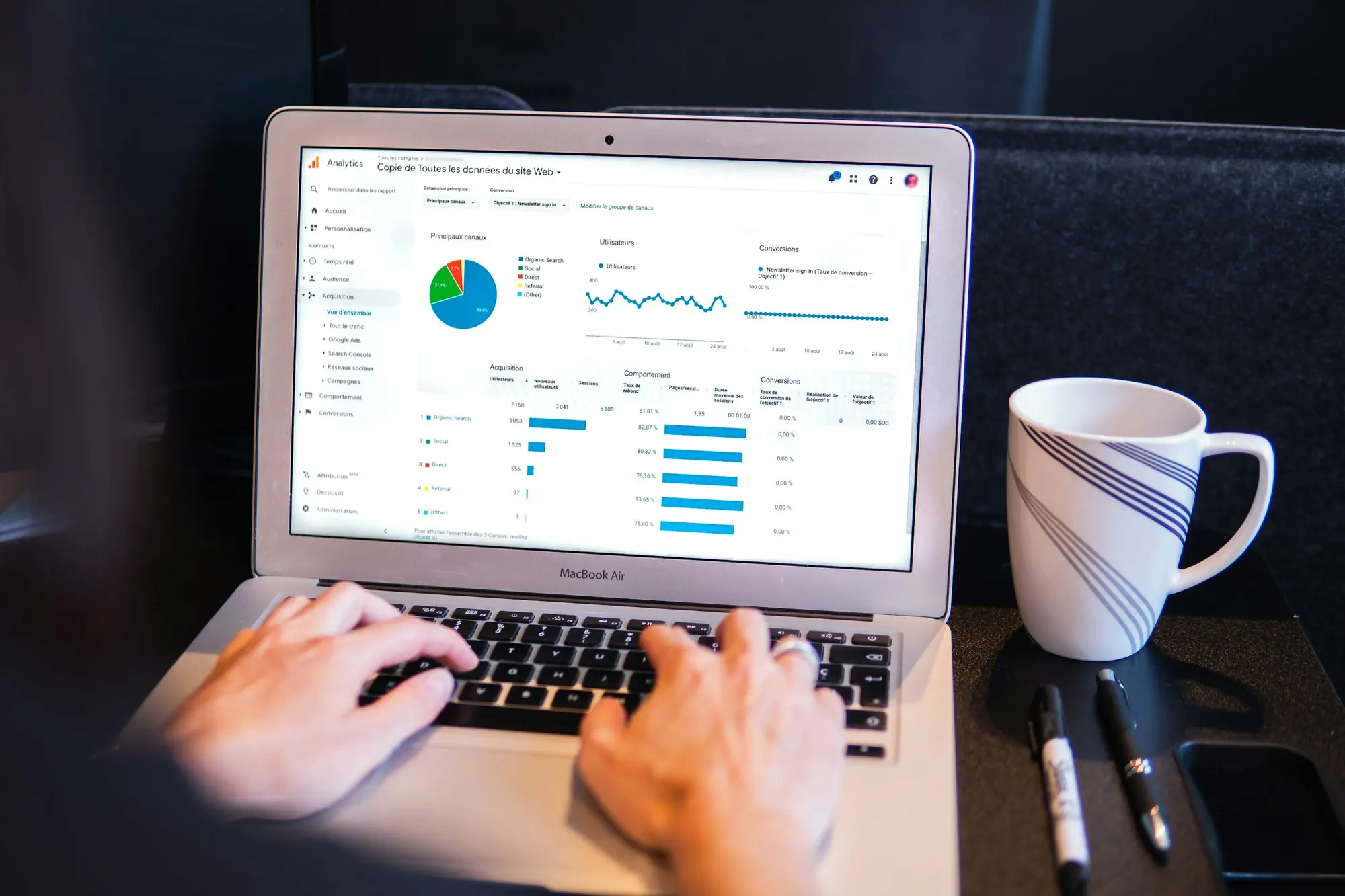
 ~10 sec
Tracking checker
Is every pixel firing?
Six free checks for the things that quietly cost a store money: pixels that don’t fire, emails that land in spam, pages that answer slowly. Paste your address, get a plain-English answer and the fix. No sign-up.

Each one reads your store from the outside, the way a shopper’s browser or an inbox does, and tells you what to fix first.
~10 secIs every pixel firing?
 Instant
What ROAS do you need?
 ~5 sec
Do your emails reach the inbox?
 ~5 sec
Can Google read your store?
 ~5 sec
How fast does your store answer?
 ~10 sec
Is your store leaking anything?
Every result says what we found, why it costs you and what to change. This one is from the tracking checker.
Klaviyo forms found, but not its onsite script
Something on the page talks to Klaviyo, but the script that tracks browsing isn’t in the page code.
Why it matters
Klaviyo’s onsite script tracks “Active on Site” and “Viewed Product”, which start browse and cart abandonment flows.
How to fix
In Shopify, turn on the Klaviyo app embed: Online Store › Themes › Customize › App embeds.
The tools read what anyone can see. An audit logs in and follows the money.
What it reads
Time
What you get
Who fixes it
Price
| What | Free tools | Growth audit |
|---|---|---|
| What it reads | One page or domain, from outside | Your ad accounts, GA4, Shopify and Klaviyo, logged in |
| Time | Seconds | [5] working days |
| What you get | Pass, warn or fail, with fixes | A plan ranked by the revenue each fix affects |
| Who fixes it | You or your developer | We ship the fixes with you |
| Price | Free | [From $X] |
Not sure you need an audit? Bring the free report to a call and we’ll tell you straight.
Book a strategy call
Not on the list? Ask on a call, or by email.
Yes. There’s no sign-up and no email needed to see a result. If you want a fix plan, you can leave your email on the report; that part is optional.
The report goes back to your browser and we don’t save it. [Confirm the hosting log policy before launch.]
The tracking, SEO and speed checks read public pages, the way a browser does, so yes. Only run the security scan on sites you own or have permission to test.
It reads the page code, Shopify’s app pixels and Google Tag Manager containers. Tags added by custom code after the page loads, or sent from a server, don’t appear there. The report marks those cases as a warning, not a fail.
Yes. They read the public site, so WooCommerce, BigCommerce and custom stores work too. Some fixes name Shopify apps; on other platforms the same setting lives in a plugin or the theme.
 Still unsure?Saimul Islam reads every report people bring to a call.
Found a leak?
Bring a report to a [30]-minute call. You leave with the order we’d fix things in.
Or write to [hello@domain.com]