 Instant
ROAS calculator
What ROAS do you need?
Ads optimise on what your tags report. Paste a store page and see which of the five tags that matter load, with the IDs we found: Meta Pixel, GA4, Google Ads, TikTok and Klaviyo.
Check a product page too: some apps load tags only there.
Also free:ROAS calculatorEmail deliverabilitySEO checkerWebsite speed testSecurity scan
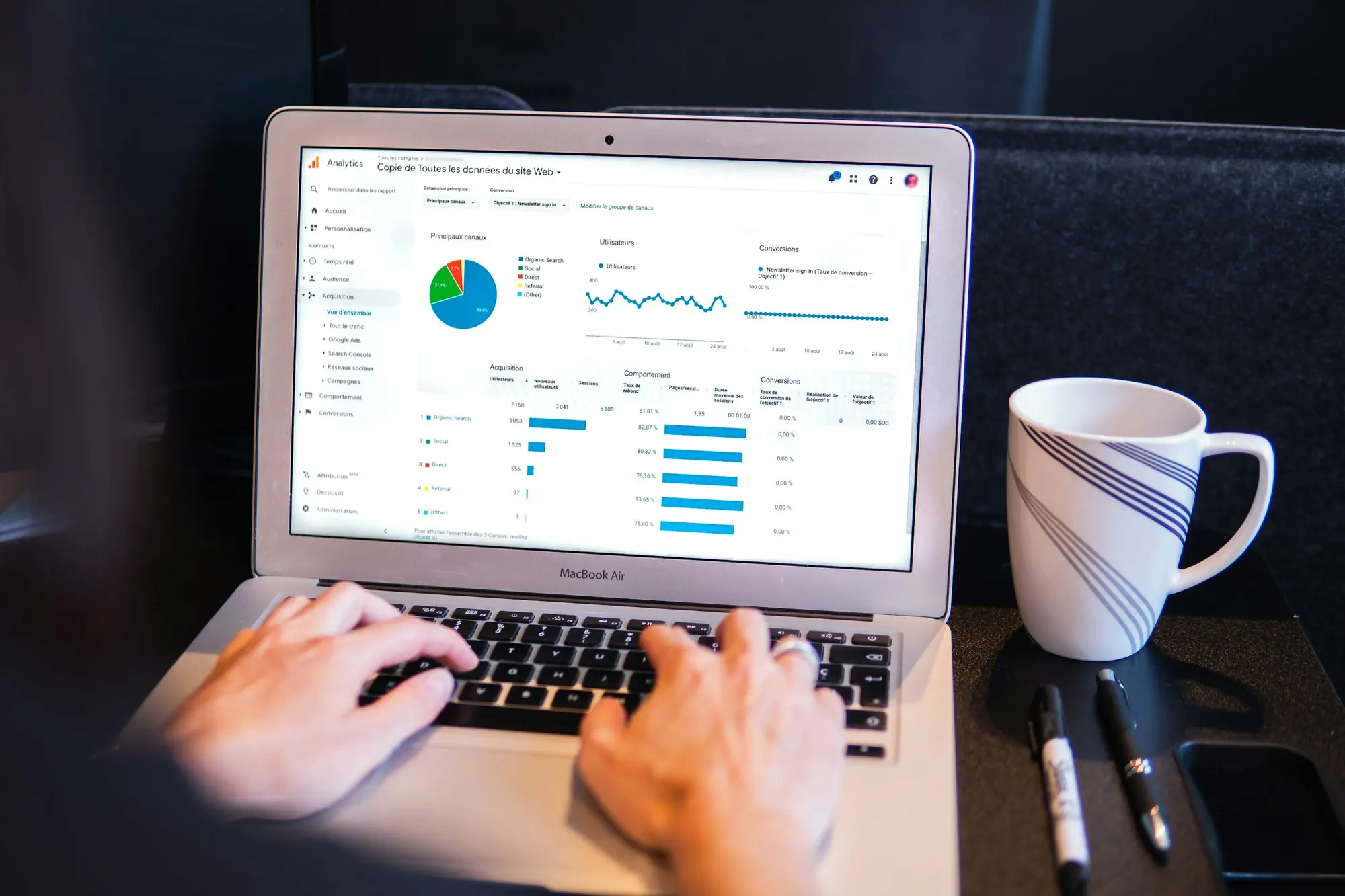
On a modern store, tags load from the theme, from Shopify apps or from a tag manager. The checker reads all three.
fbq init calls, the noscript pixel and the pixel the Facebook & Instagram app sets up. Flags two pixels on one page.
gtag.js, gtag config calls and GA4 tags in Tag Manager. Flags pages that send to several properties.
The Ads tag and conversion IDs, from the page, the Google & YouTube app or Tag Manager.
ttq.load calls, the events.js loader and the pixel the TikTok app sets up.
The onsite script behind sign-up forms, “Active on Site” and “Viewed Product”.
The web pixels Shopify apps register, read from the settings Shopify writes into every page.
Up to two containers the page loads, fetched and read for the same five tags.
Pinterest, Snapchat, Microsoft Ads, Clarity, Hotjar, consent banners and server-side tracking apps.
Our server requests the page like a browser, follows redirects and stops if a bot check or password page answers instead.
The page code, Shopify’s app pixels and the Tag Manager containers it loads, for loaders and IDs.
Each tag gets a state, the IDs we found, why it matters and the fix. Warn means we couldn’t be sure from outside.
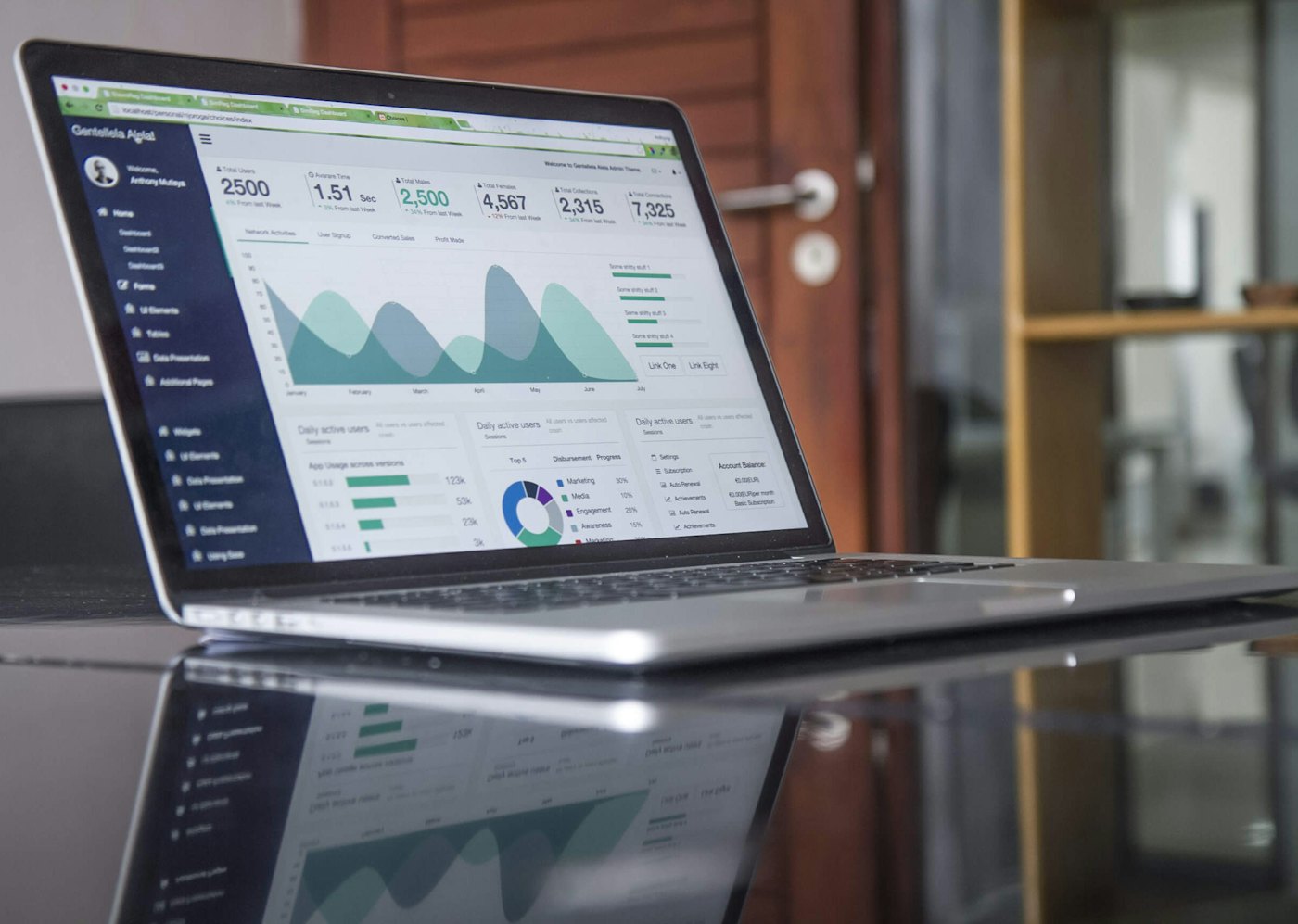
What a page check can’t see
Events your server sends (the Conversions API), tags added by custom code after the page loads, and whether purchases report the right value. The audit below covers those.
What it reads
Purchases
Server-side events
What you get
Time
| What | Free check | Tracking audit |
|---|---|---|
| What it reads | One page, from outside | Ad accounts, GA4, GTM, Shopify and Klaviyo, logged in |
| Purchases | Can’t place an order | A test order, followed into every platform |
| Server-side events | Not visible from a page | Conversions API, Events API and deduplication |
| What you get | Pass, warn or fail per tag | Fixes ranked by the ad spend they affect |
| Time | About 10 seconds | [5] working days |
Not sure you need an audit? Bring the free report to a call and we’ll tell you straight.
Book a strategy call
Each tool reads one thing and tells you the fix. Run them in any order.
InstantWhat ROAS do you need?
 ~5 sec
Do your emails reach the inbox?
 ~5 sec
Can Google read your store?
 ~5 sec
How fast does your store answer?
 ~10 sec
Is your store leaking anything?
Not on the list? Ask on a call, or by email.
Your store loads a tag manager or custom pixels. Tags set up there with variables, or added by code after the page loads, don’t appear in the code we read, so we warn instead of failing. Confirm with Meta Pixel Helper or Google Tag Assistant.
No. A page check can’t place an order. To see whether purchases reach Meta, Google and TikTok with the right value, place a test order and watch each platform’s events tool, or ask us for an audit.
Server-side events go from your server (or Shopify’s) straight to Meta, so they never appear in the page. In Events Manager, look for events received from “Server”.
Start with the home page, then a product page. Some apps load tags only on product, cart or checkout pages.
Not on Shopify: checkout runs in its own sandbox. Shopify app pixels report checkout events, and their settings are what we read.
 Still unsure?Saimul Islam reads every report people bring to a call.
Tags sorted?
Once every purchase is counted, ads can learn. Bring this report to a [30]-minute call.
Or write to [hello@domain.com]